Commercial Metals material data center

Stock list, calculators, data sheets

Commercial Metals Resources

Use the Resources center to prepare steel requests with better inputs: stock family, form, approximate weight, grade reference, processing notes, and the documents that should follow the shipment.

Material data dashboard

Fast checks before the quote conversation starts

Resources are organized for purchasing teams, estimators, engineers, and maintenance planners who need enough detail to ask a precise question. The goal is not to replace a technical review. It is to make the first request cleaner, reduce missing information, and help both sides focus on availability, processing, and delivery constraints.

Stock ListCarbon + Alloy

Compare common steel families, forms, and release notes before sending a request.
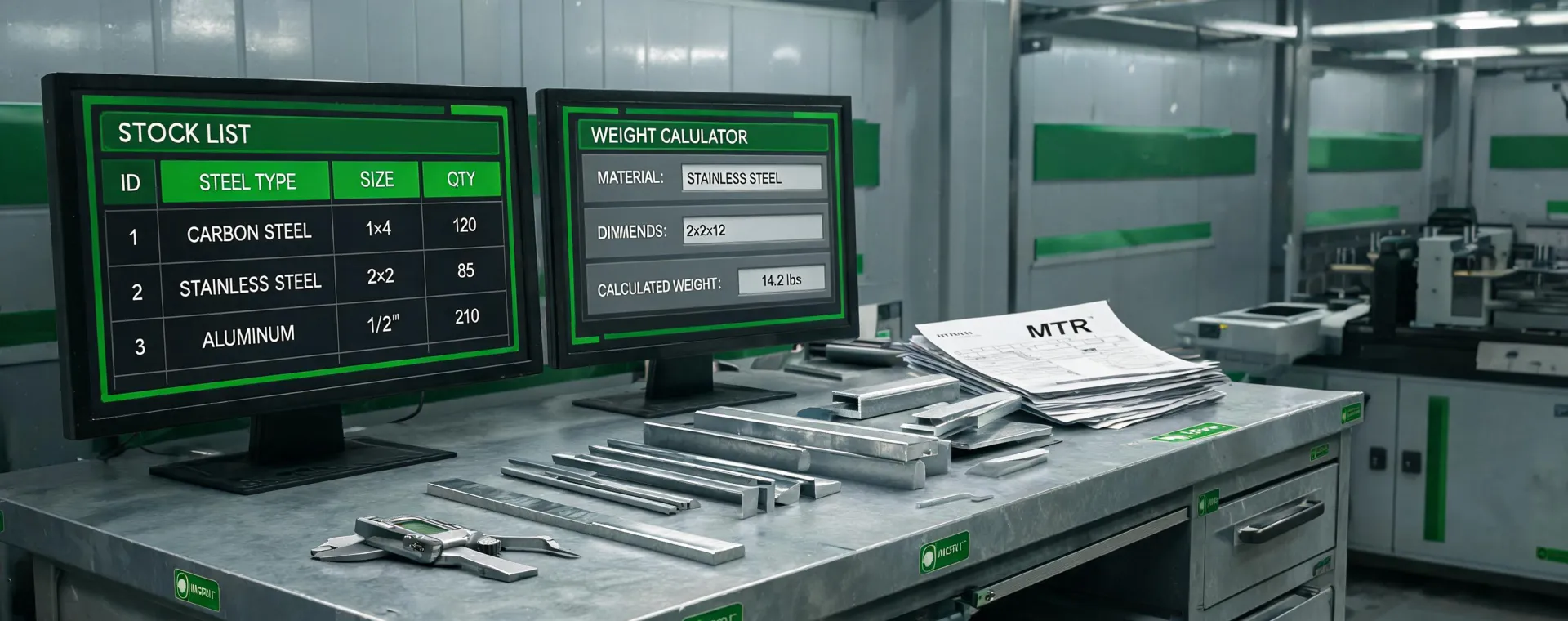
Weight CalculatorPlate, Bar, Tube

Estimate shipping weight and handling impact from form, dimension, and quantity.

Data SheetsGrade Context

Gather grade references, mechanical expectations, and specification language for review.

MTR NotesTrace Ready

Flag heat trace, customer paperwork, and documentation routing at the start.

Download list

Reference files for repeat material decisions

Procurement teams often return to the same few questions: which form is easiest to source, what weight should be budgeted, what specification language belongs on the purchase order, and which documents must be attached before material reaches receiving. These downloadable resource slots are written for that workflow.

Specification path

From rough need to quote-ready request

Step 1

Identify grade and form

Start with the named grade when available, then add form, dimensions, quantity, and any substitution limits from the drawing or purchase specification.

Step 2

Estimate handling impact

Use weight and bundle assumptions to understand freight, equipment, receiving, and staged-release needs before the order is finalized.

Step 3

Attach documentation notes

Clarify mill test reports, heat trace, domestic melt language, customer forms, or certification references that should travel with the material.

Step 4

Send the request

Share the prepared information with Commercial Metals so stock, processing, and delivery options can be reviewed without several rounds of missing details.

Prepared requests move faster

Bring your stock list, drawing note, or data sheet question.

The Commercial Metals team can review resource inputs and turn them into a material quote path.